Why Your Data Chatbot Should Say "I Don't Know"
2026
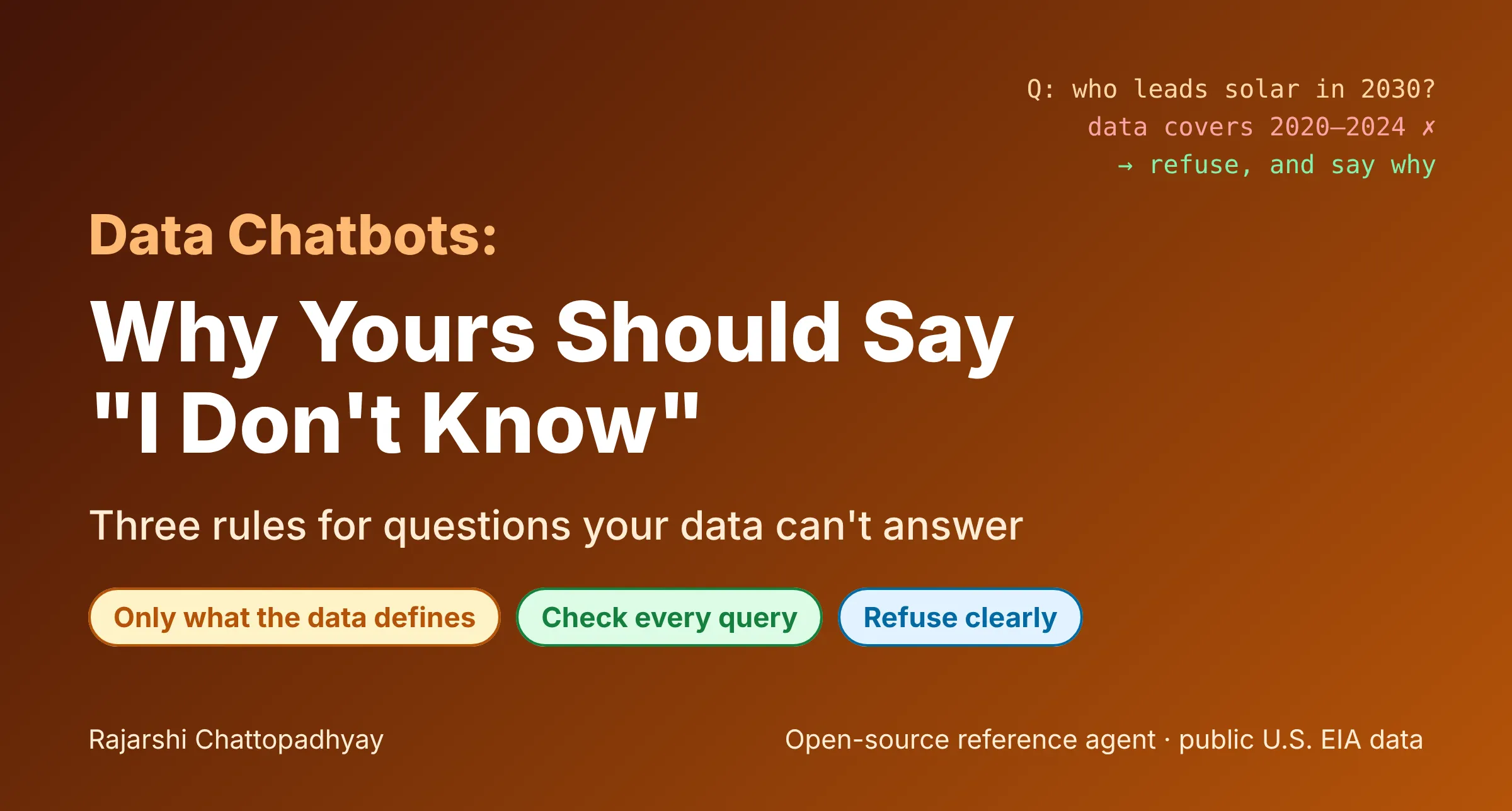
Ask a data chatbot a question it can’t answer, and many will answer anyway.
I’ve been building a small open-source app, likarajo/ai-agent-chatbot, that turns plain-language questions about U.S. electricity generation into SQL. It runs over public data from the U.S. Energy Information Administration (EIA): net generation by state and energy source for 2020 through 2024. It’s a deliberately small app, and that makes it a good place to see a problem every data chatbot runs into.
Writing SQL turned out to be the easy part. The hard part is knowing when not to.
This article is the plain-English version of that lesson. If you want the deeper engineering, I’ve written two longer pieces: one on semantic guardrails and row-level access, and one on testing unanswerable-question refusal. Here I want to cover the basics: why chatbots answer questions they shouldn’t, three rules that stop it, what a good refusal looks like, and why saying “I don’t know” makes the other answers worth trusting.
A question with no answer in the table
Take this question:
“Which state will lead solar generation in 2030?”
It sounds reasonable. The table has states. It has solar. It has years. But it only has the years 2020 through 2024, and it holds measured history, not forecasts. Nothing in the data can say what will happen in 2030.
A text-to-SQL model will often write a query anyway. It’s been asked to turn a question into SQL, and the question has a state, a fuel, and a year in it, so it builds something that runs. It might drop the year filter and rank states by all the solar they’ve ever produced. It might quietly use the latest year it can find. Either way you get a real-looking table, a state at the top, and a confident sentence on top of it.
The answer looks right, and it’s wrong. Worse, nothing tells the user it’s wrong. The query didn’t fail and the database didn’t complain. The number is a real number from the table. It’s just the answer to a different question than the one that was asked.
That’s the core problem. A broken query is easy to notice. A working query that answers the wrong question looks exactly like a correct one.
Why chatbots answer anyway
It helps to know why this happens, because the fix follows from the cause.
The model is built to be helpful. If you ask it to write SQL, it writes SQL. Refusing is a separate skill, and a prompt that says “be helpful and write a query” pulls against one that says “refuse if you can’t answer.” When the question contains words that match real columns, helpfulness usually wins.
Partial matches look like full matches. “Solar,” “state,” and “2030” each look close to something in the schema. The model fills the gaps with whatever is nearby: the closest year, a broader filter, a column that sounds similar.
The output has no warning label. SQL that runs returns rows. Rows get turned into a fluent sentence. The user sees a polished answer and has no reason to doubt it.
So the fix can’t just be “tell the model to be careful.” It has to be structural. The app has to decide what’s answerable before any query runs.
Three rules
The app follows three rules. None of them are clever on their own. Together they close the gap.
1. Only use what the data actually defines
Questions are mapped to known tables, columns, and metrics, not to whatever the model guesses.
In this app, the table has four columns: year, state, energy_source, and generation_mwh. A question gets turned into a small structured request: which years, which states, which energy sources, how to group, and how many results. Each piece has to come from a fixed list. Years must be 2020 through 2024. States must be real state codes. Energy sources must be ones the EIA table actually reports.
The question text itself is never pasted into SQL. That one decision removes a whole class of problems. If a question asks for something that isn’t on the lists, there’s nothing to build a query from, so the app stops.
That’s exactly what happens with the forecast question. The app sees “2030,” checks it against the years the data covers, and refuses before writing any SQL.
2. Check every query before it runs
Even a query the app built itself gets checked before the database sees it. The check is strict: one statement, read-only, and only the table and columns the app knows about. Comments, a second statement, SELECT *, and write commands like DROP or DELETE are all rejected. So is any name that isn’t in the schema, so a made-up column can’t reach the database.
As a last line of defense, the database connection itself is opened read-only. Even if every other check failed, the connection can’t change data.
Why check something you built yourself? Because code changes, people add features, and someone will eventually try to type SQL into the question box. In this app, a question like “How much wind generation did Texas produce in 2023; DROP TABLE generation” is refused before anything runs.
3. When the data can’t answer, refuse clearly and say why
This is the rule people skip, and it’s the one that matters most to the user.
A refusal isn’t a crash or an empty result. It’s a real response, with a reason, and no query executed. The app returns the explanation, and the SQL field is simply empty because nothing ran.
What a good refusal looks like
“I can’t answer that” is better than a wrong answer, but not by much. A good refusal does three things:
- Says what’s missing. Name the specific thing the data doesn’t have.
- Says what is available. Point the user toward a question that will work.
- Doesn’t run anything. No partial query, no “closest match” guess dressed up as an answer.
Here’s what the app actually says to the forecast question:
“This dataset covers 2020 through 2024. 2030 is outside that range.”
The user now knows exactly why there’s no answer, and what range they can ask about instead. Asking “Which state produced the most solar generation in 2024?” is one edit away, and the app answers it: California, with 48,427,600 megawatthours.
Here’s what it says when someone asks about a concept the table doesn’t contain, like “What was customer revenue in Texas in 2023?”:
“This dataset has no revenue column or energy source. Available columns are year, state, energy_source, and generation_mwh. Energy sources include coal, natural gas, nuclear, wind, solar, hydroelectric, geothermal, petroleum, biomass, wood, and pumped storage.”
And when a question isn’t about electricity generation at all, like “What is the weather in Texas?”:
“I can answer questions about net electricity generation in megawatthours by state, year, and energy source for 2020 through 2024.”
None of these are clever. They’re specific. Each one turns a dead end into a next step.
Compare that with a successful answer. For “How much wind generation did Texas produce in 2023?”, the app doesn’t just return a number. It says what it did:
“Summed Wind net generation for Texas in 2023, in megawatthours. … Columns used: year, state, energy_source, and generation_mwh. Rows returned: 1. Result: 119,855,132 megawatthours.”
The answer and the refusal are written in the same voice. Both tell you what the data covers. That consistency is part of what makes either one believable.
Refusing isn’t a solved problem
Simple rules catch a lot, but not everything. In this app, a question like “How many dollars of wind generation did Texas produce in 2023?” still gets answered, in megawatthours. It names a real state, a real fuel, and a real year, and “dollars” isn’t on the list of terms the app refuses. The answer even says “megawatthours” out loud, which helps a careful reader notice, but it should have been a refusal.
I’m pointing this out on purpose. Any refusal rule built from a list of words will miss questions nobody thought to list. The way to find those misses is to test with questions written independently of the rules, which is what my Study 3 article is about. For a practitioner, the takeaway is simpler: treat refusal as something you test, not something you assume.
Why refusal builds trust
A refusal feels like a failure. In a demo, it’s the moment the chatbot “doesn’t work.” It’s tempting to tune the system until it always says something.
But think about what an always-answering chatbot means for the user. If it never says “I don’t know,” then every answer might be a guess, and the user has no way to tell which. They have to double-check everything, and at that point the chatbot isn’t saving them any time.
A chatbot that refuses clearly changes that. When it does answer, the answer means something: the question matched what the data defines, the query was checked, and the result came from real rows. The refusals are what give the answers their value.
There’s a practical benefit too. Clear refusals show you where your data runs out. If people keep asking about forecasts, or prices, or years you don’t have, that’s a signal about what to add next. Silent guesses hide that signal.
A short checklist
If you’re putting a chat interface in front of a database, here’s the short version:
- Define what’s answerable. List the tables, columns, values, and time range your app supports. Anything outside the list gets refused.
- Never paste the question into SQL. Turn the question into a small structured request, then build the query from fixed parts.
- Check every query before it runs. One statement, read-only, known columns only. Open the connection read-only too.
- Refuse with a reason. Say what’s missing and what’s available. Run nothing.
- Explain answers too. Say which filters, columns, and units were used.
- Test refusals on purpose. Write questions your data can’t answer, and see what happens.
The full code is open source under the MIT license at github.com/likarajo/ai-agent-chatbot. You can run it locally and ask it the forecast question yourself.
How do you handle the questions your data can’t answer?